 Guides
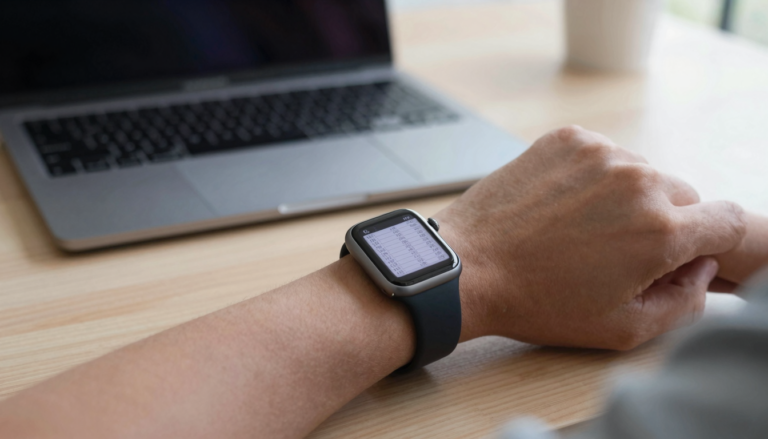
How to read tables and spreadsheets on a tiny watch screen
Yes, you can read tables and spreadsheets on an Apple Watch. WristFile sends files from your iPhone and lets you pan columns…
The WristFile Journal
Notes from the wrist.
Guides
Yes, you can read tables and spreadsheets on an Apple Watch. WristFile sends files from your iPhone and lets you pan columns…
 Guides
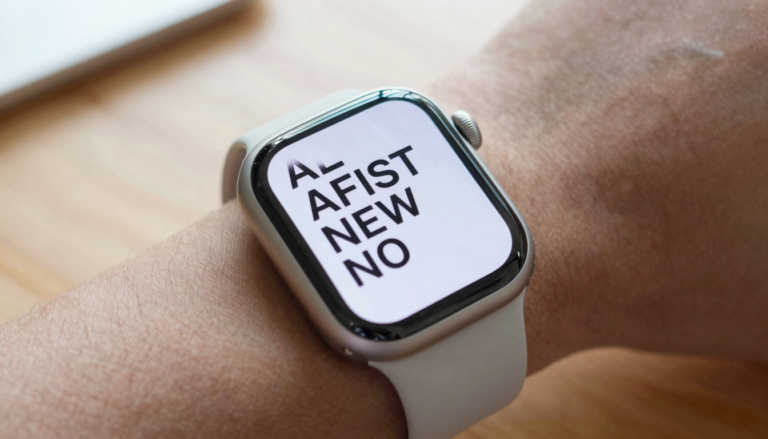
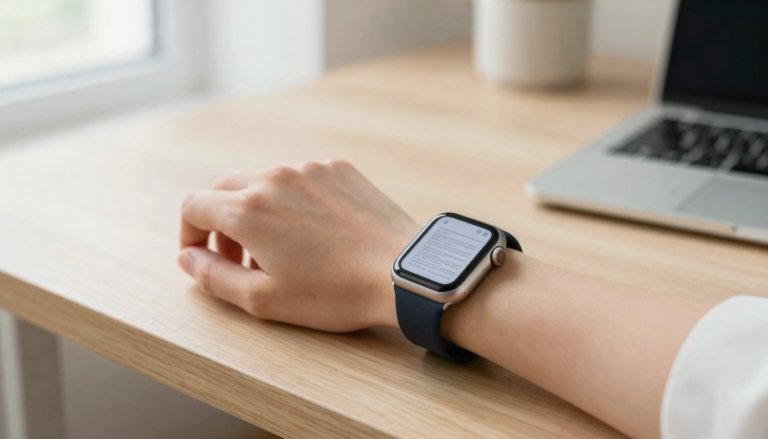
The best display settings for reading on Apple Watch are larger text, bold text, and higher brightness. Set them in the Watch…
 Guides
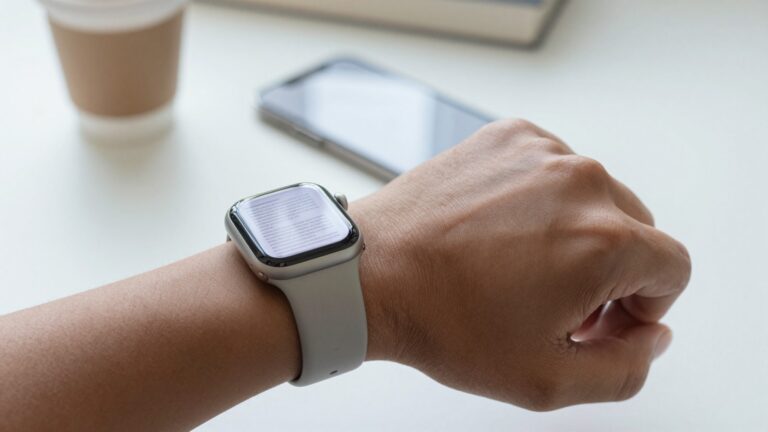
You can read long PDFs on an Apple Watch without eye strain by raising text size, boosting brightness, and scrolling with the…
 Guides
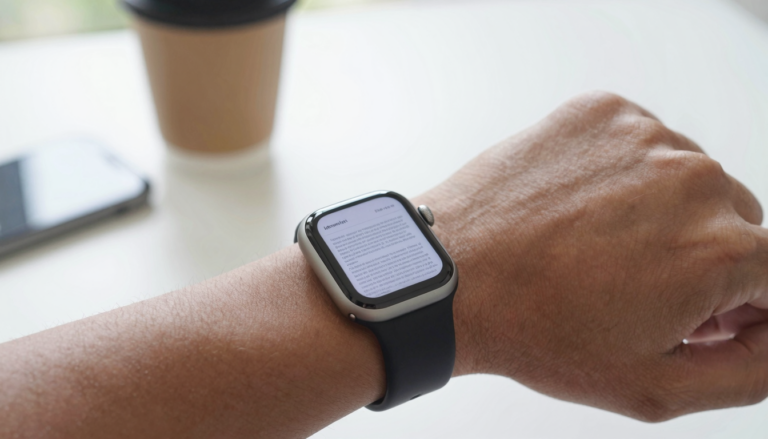
You can make PDFs readable on a small Apple Watch screen by boosting text size, turning on reflow, and sending clean text…
 Guides
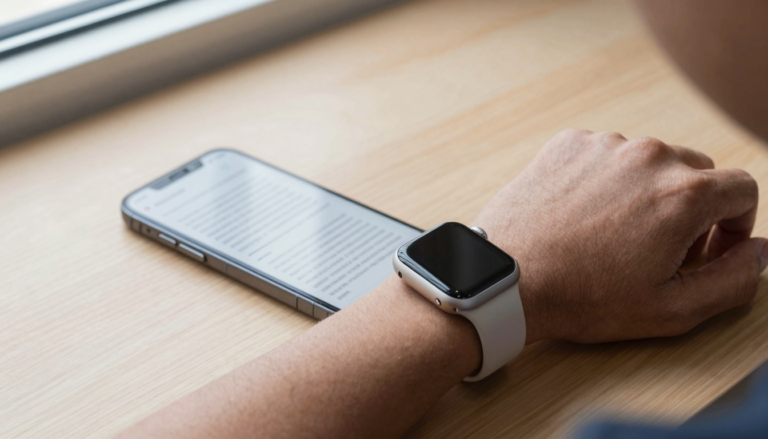
watchOS 26 makes reading documents on Apple Watch easier, with sharper text, faster file sync, and smoother scrolling for PDFs and files…
 Guides
Handoff does not send PDFs to your Apple Watch by itself. To keep reading on your wrist, use WristFile, which syncs the…
 Guides
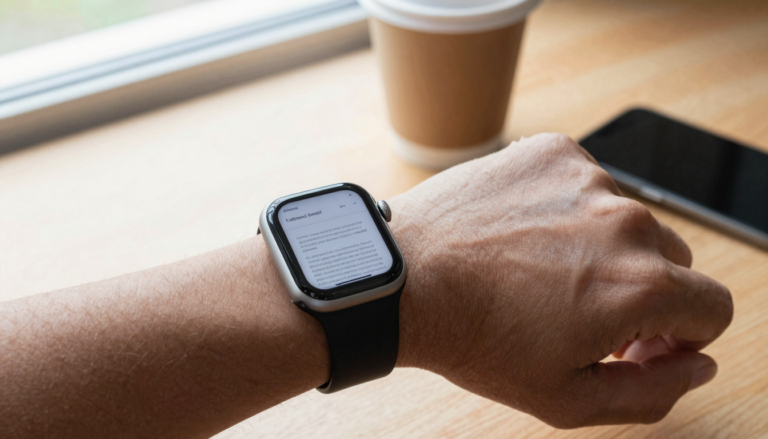
Yes, you can open a PDF attachment in Mail on Apple Watch by tapping it in the email. For offline reading, WristFile…
 Guides
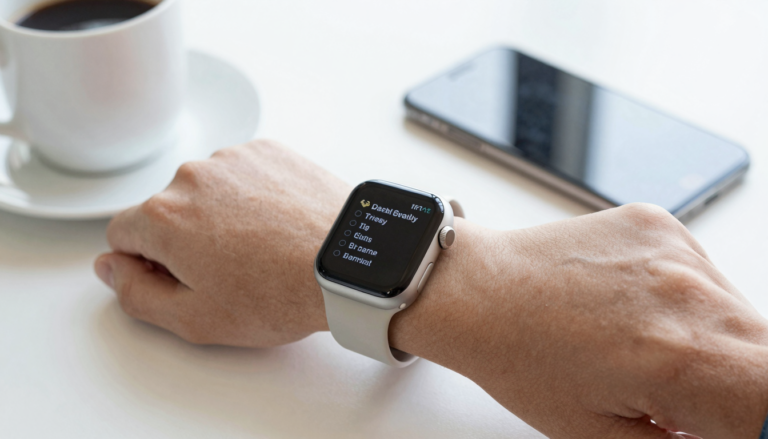
Yes, you can read your iPhone Notes on Apple Watch with the built-in Notes app, which syncs over iCloud so every note…
 Guides
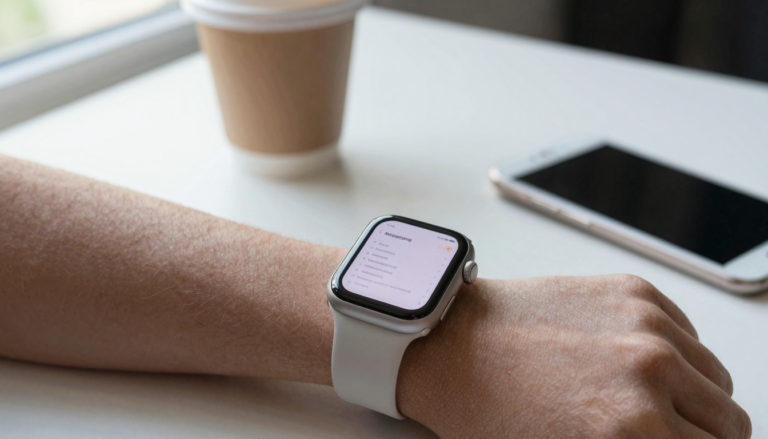
The Notes app on Apple Watch lets you read, create, and dictate notes on your wrist, and every change syncs to your…
 Guides
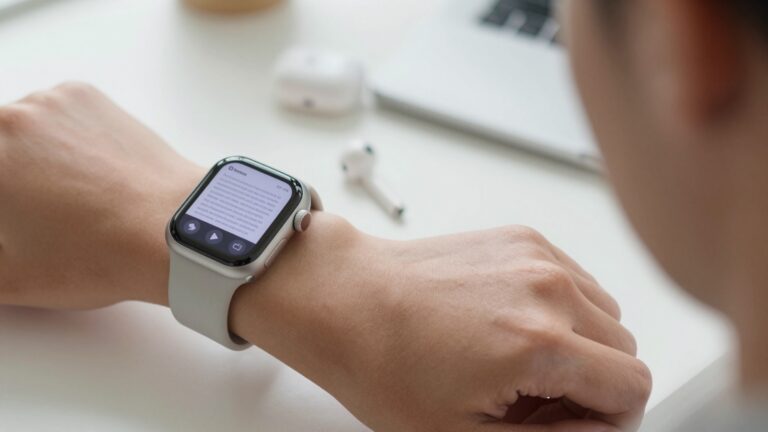
Yes, you can listen to a PDF on an Apple Watch with text-to-speech. WristFile reads your documents aloud, hands-free, so you hear…
Get WristFile for iPhone and Apple Watch.