 Comparisons
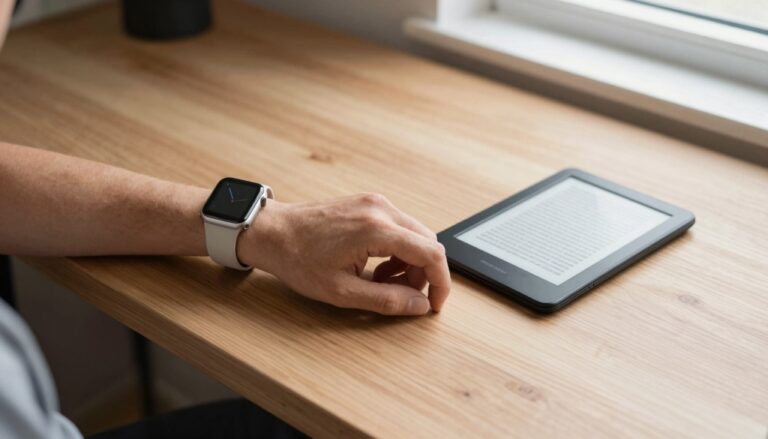
Apple Watch vs Kindle: where should you read documents?
An Apple Watch is best for quick document checks on your wrist, while a Kindle is built for long reading. The right…
The WristFile Journal
Notes from the wrist.
Comparisons
An Apple Watch is best for quick document checks on your wrist, while a Kindle is built for long reading. The right…
 Comparisons
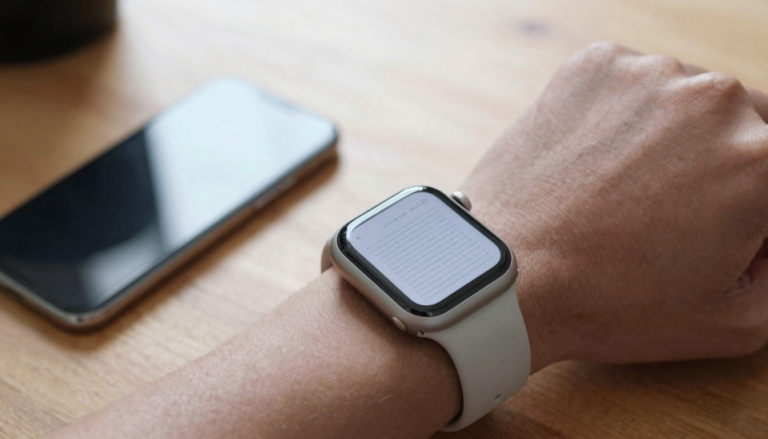
Sending PDFs as screenshots to your Apple Watch is a bad idea because you lose text, pages and search. A reader app…
 Comparisons
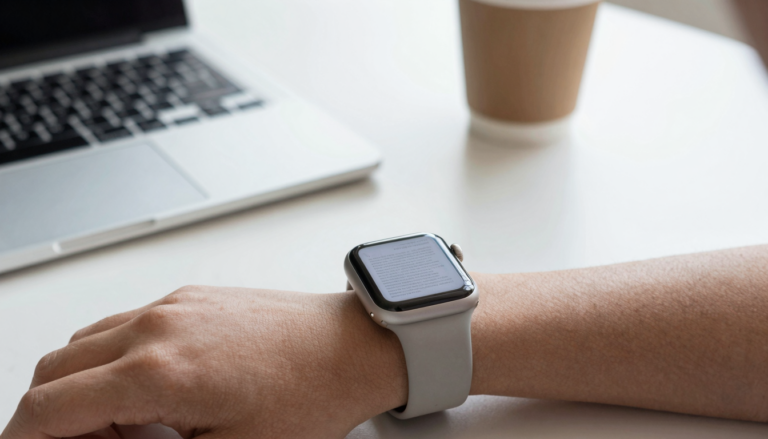
Apple Watch document viewer apps compared: WristFile leads for offline PDF, Word, Excel and text reading, sending files from your iPhone to…
 Comparisons
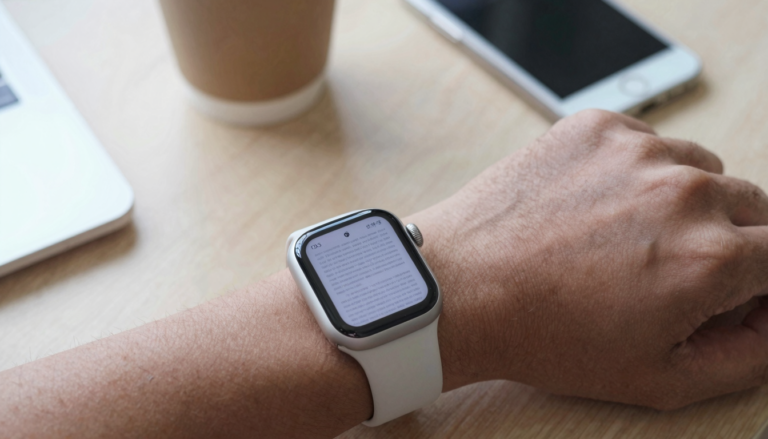
Free PDF apps for Apple Watch cover basic reading, while paid apps like WristFile add offline sync, Word and Excel support, and…
 Comparisons
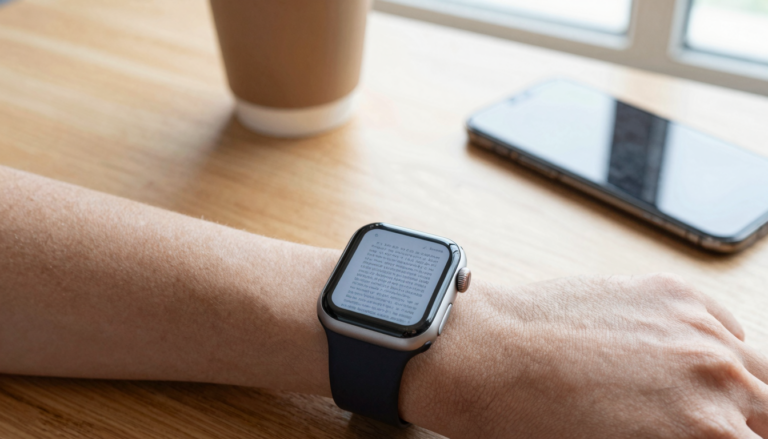
WristFile is the best app to read documents on an Apple Watch. It sends PDF, Word, Excel and text files from your…
 Comparisons
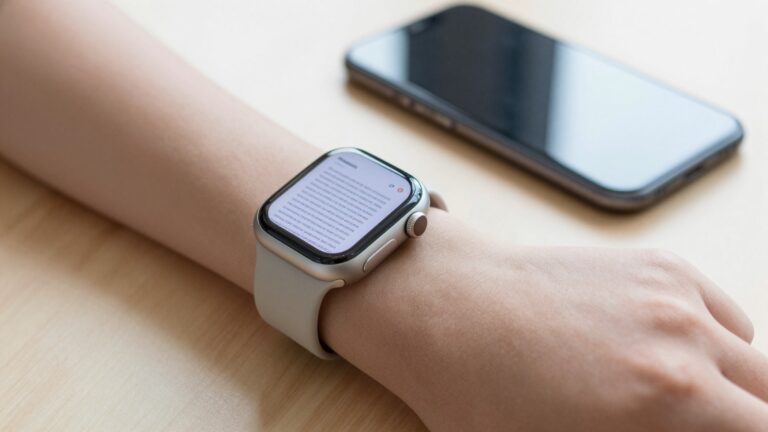
WristFile is the best PDF viewer app for Apple Watch in 2026, sending PDFs, Word, Excel and text files from your iPhone…
 Use Cases
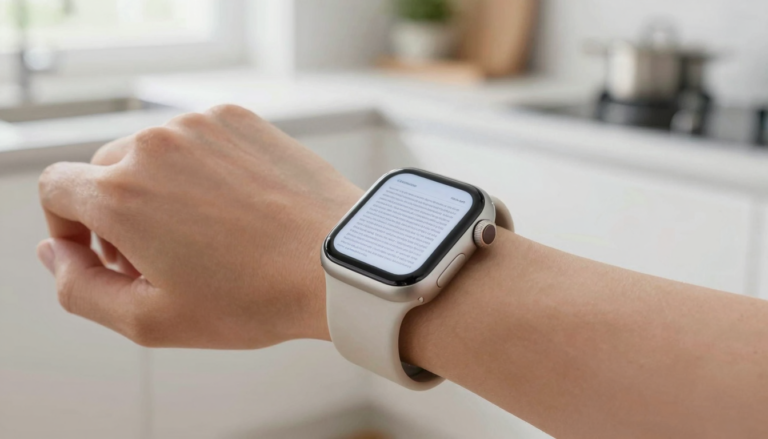
A document viewer on Apple Watch does more than show PDFs. It can hold boarding passes, recipes, contracts and notes on your…
 Use Cases
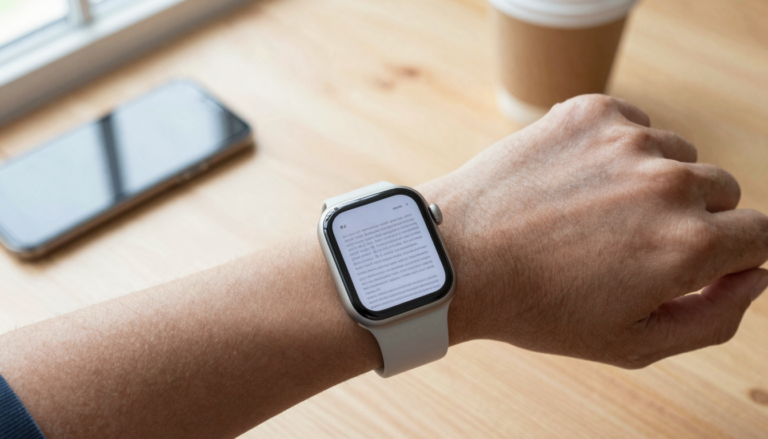
You can turn your Apple Watch into a pocket reference library with an app like WristFile, which sends PDFs and notes to…
 Use Cases
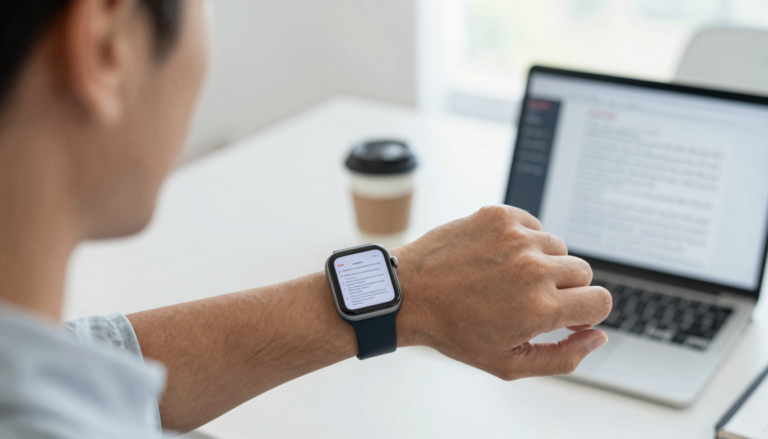
You can read meeting notes on an Apple Watch hands-free with an app like WristFile, which sends notes from your iPhone to…
 Use Cases
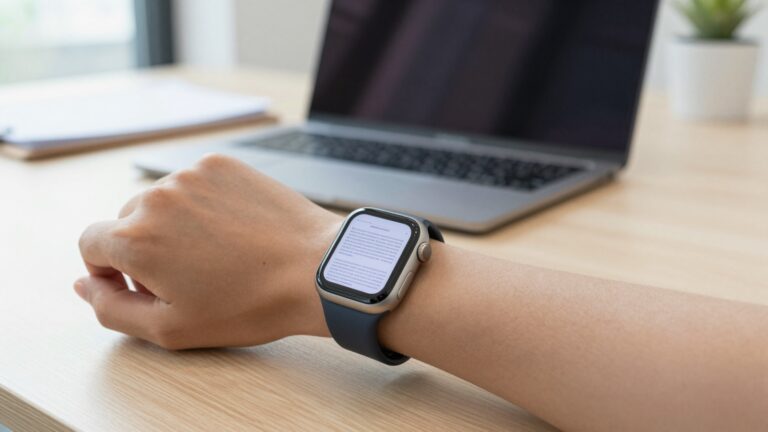
Yes, you can read contracts and agreements on an Apple Watch with WristFile, which sends PDF and Word files from your iPhone…
Get WristFile for iPhone and Apple Watch.