 Guides
How to build a document library on your Apple Watch
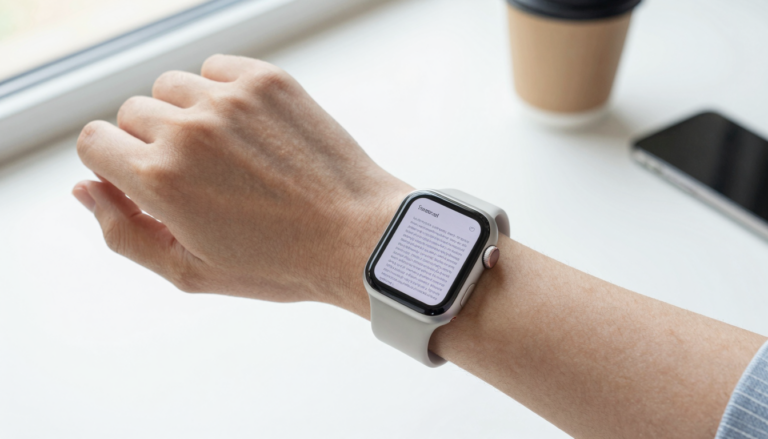
You can build a document library on your Apple Watch with WristFile, which sends PDFs, Word, Excel and text files to your…
The WristFile Journal
Notes from the wrist.
Guides
You can build a document library on your Apple Watch with WristFile, which sends PDFs, Word, Excel and text files to your…
 Guides
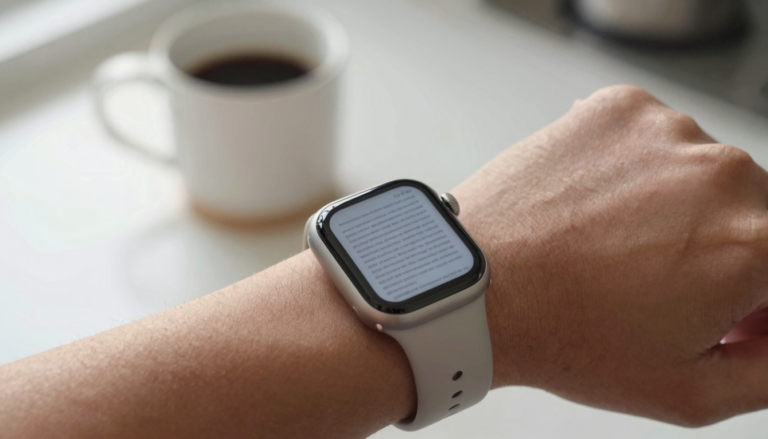
No, you do not always need your iPhone to read files on an Apple Watch. Apps like WristFile store documents on the…
 Guides
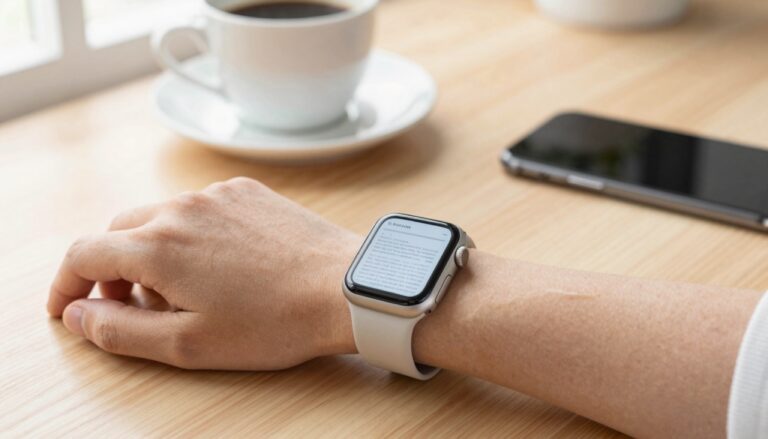
Yes, you can read documents on an Apple Watch with WristFile, which sends PDF, Word, Excel and text files from your iPhone…
 Guides
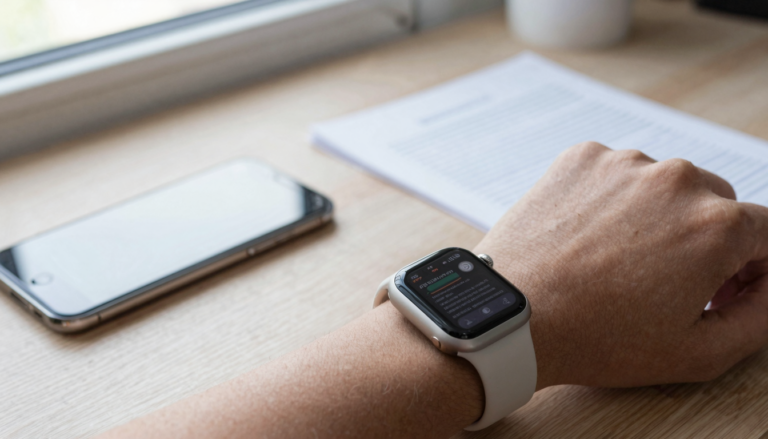
You need very little Apple Watch storage for documents. Most PDFs use 1 to 5 MB each, so hundreds fit next to…
 Guides
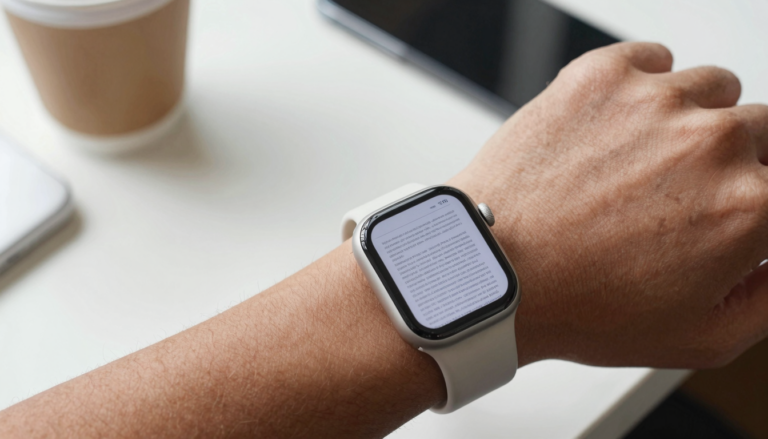
Yes, you can read PDFs on an Apple Watch Series 10 with a third-party app like WristFile, which sends files from your…
 Guides
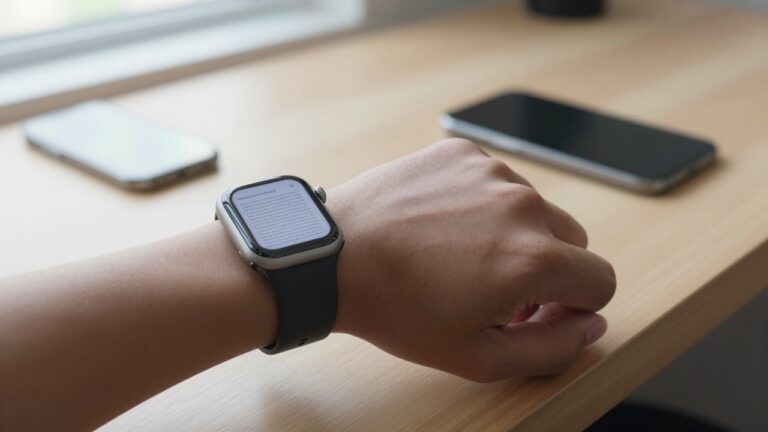
Yes, you can read documents on Apple Watch SE and Series 11 with WristFile, which sends PDF, Word, Excel and text files…
 Guides
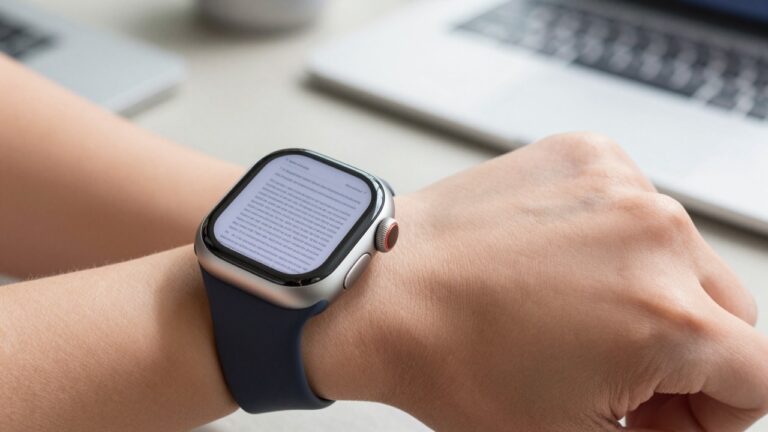
Reading PDFs on Apple Watch Ultra is easier than on smaller models. The 49mm display, brighter screen, and Action button make navigation…
 Guides
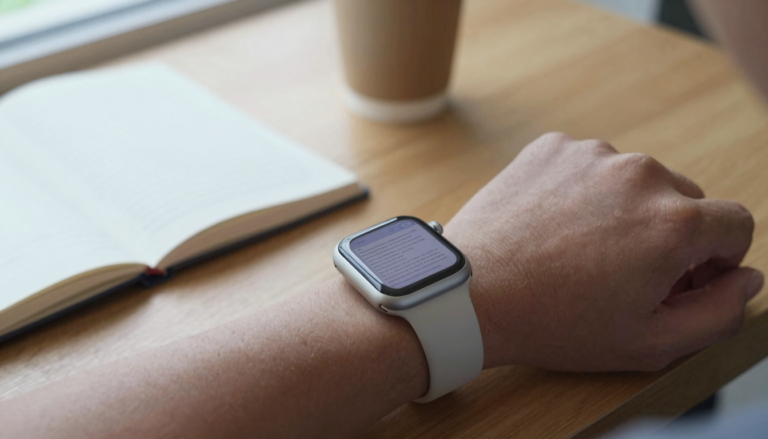
Yes, you can view large, multi-page PDFs on an Apple Watch using WristFile, which sends the full file from your iPhone to…
 Guides
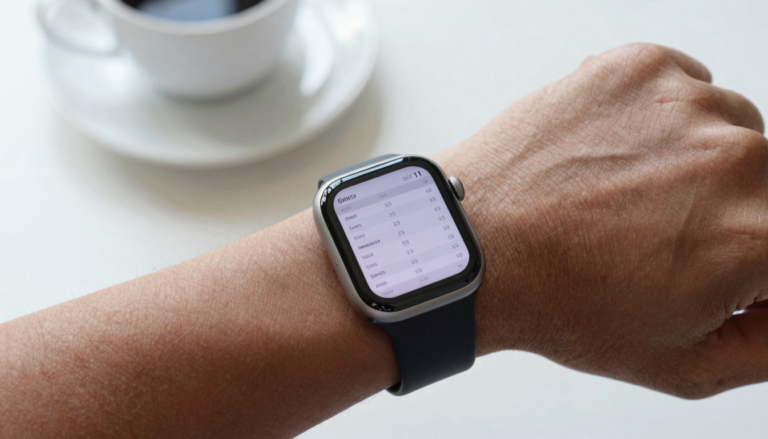
You can read tables and spreadsheets on an Apple Watch with WristFile, which sends the file from your iPhone and scrolls rows…
 Guides
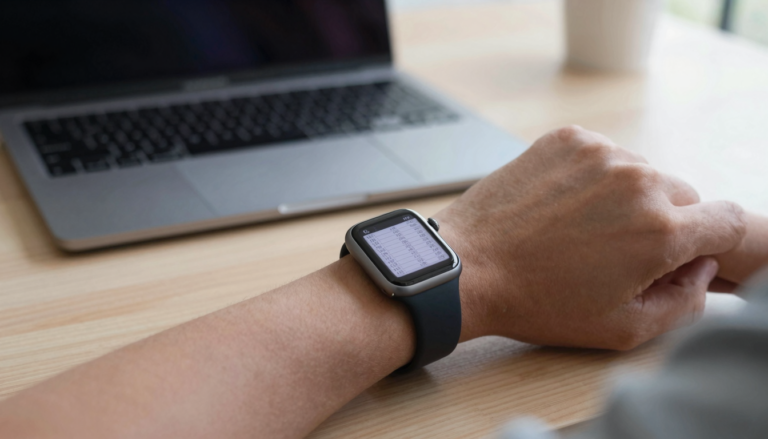
Yes, you can read tables and spreadsheets on an Apple Watch. WristFile sends files from your iPhone and lets you pan columns…
Get WristFile for iPhone and Apple Watch.