PDF & Document Viewer for Apple Watch
WristFile syncs PDF, Word, Excel and text files from your iPhone to your Apple Watch — read them on your wrist, even offline.
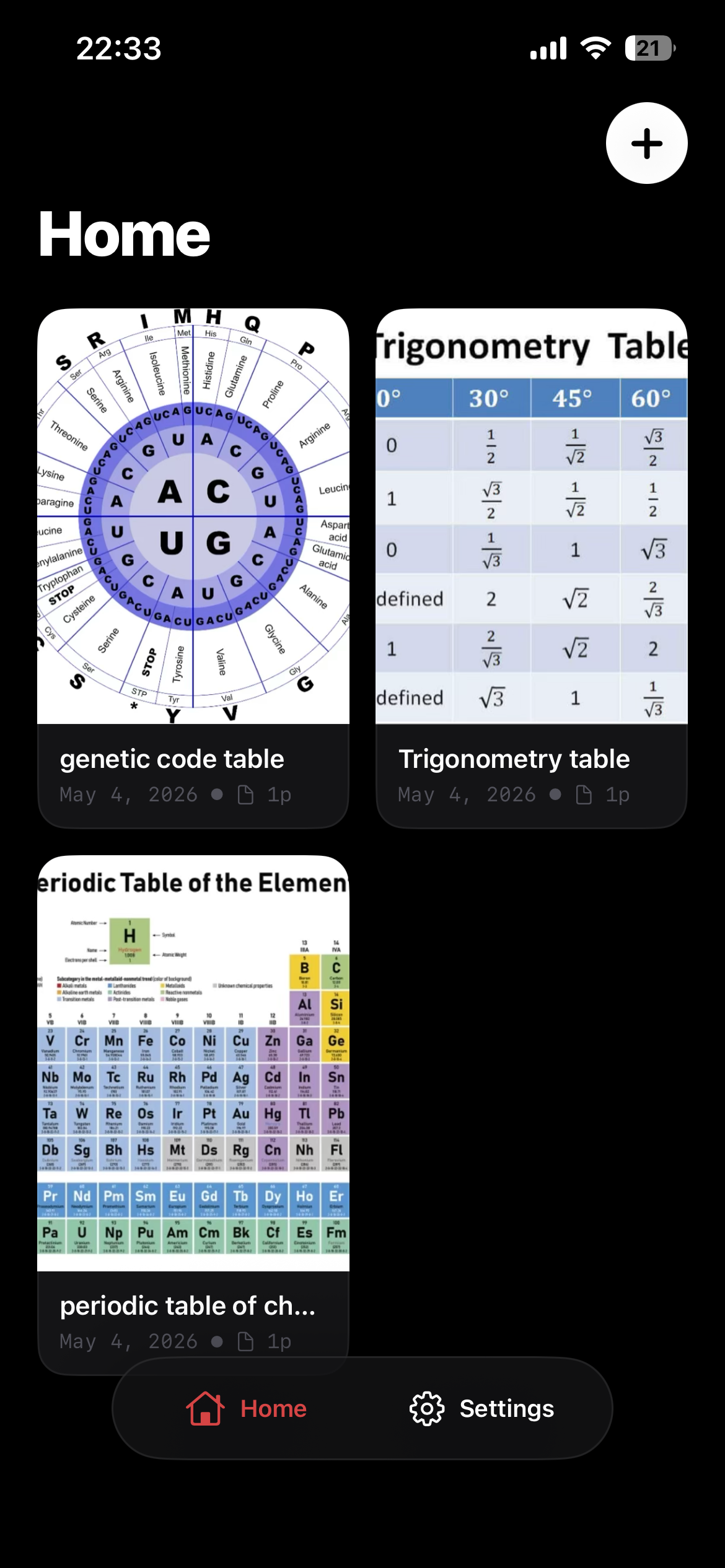
| θ | sin | cos | tan |
|---|---|---|---|
| 0° | 0 | 1 | 0 |
| 30° | ½ | √3⁄2 | 1⁄√3 |
| 45° | 1⁄√2 | 1⁄√2 | 1 |
| 60° | √3⁄2 | ½ | √3 |
| 90° | 1 | 0 | ∞ |
How it works
No accounts to wrangle, no cables, no cloud round-trip. Add a document on your iPhone and it's on your Watch before you stand up.
Import a PDF, Word, Excel or text file on your iPhone — from Files, Photos, the camera, or a quick note.
One tap on “Send to Watch.” WristFile optimises the layout for the small screen and syncs it across in seconds.
Open it on your wrist — on a run, on the train, in a meeting. It stays there, offline, until you remove it.
Features
PDF, DOCX, XLSX and TXT all open in the same clean reader — no converting, no juggling apps. Tables, equations and code stay intact.
Pages reflow and zoom for a tiny display, with the Digital Crown to scroll. Dense documents stay readable, not shrunk into oblivion.
Files travel directly from iPhone to Watch over the Apple connection you already have. Most documents land in just a few seconds.
Documents live on your devices. Nothing is uploaded to a server to be read — what you carry stays with you.
Real documents, real small
The hard part isn't sending a file — it's making a dense, real-world document legible on a 40-millimetre screen. WristFile lays out equations, tables, contracts and code so they actually read on your wrist.

Works offline
Once a document is on your Watch, it stays there — no signal, no Wi-Fi, no phone in your pocket required.
On your wrist, offline. Your documents wait for you — not for a connection.
Questions
PDF, Microsoft Word (DOCX), Microsoft Excel (XLSX) and plain text (TXT). You can add them from Files, Photos, the camera, or by jotting a quick note in the app.
Only to send a document the first time. Once it's on your Watch it stays there and opens fully offline — no phone, Wi-Fi or signal needed.
WristFile reflows and zooms each page for the small display, and the Digital Crown scrolls smoothly. Dense material — equations, tables, code — is laid out to stay legible rather than simply shrunk.
On your own devices. Documents aren't uploaded to a server to be read, so what you carry stays with you.
WristFile is a native iPhone and Apple Watch app. Add documents on your iPhone and read them on a paired Apple Watch.
WristFile is built by Obzena — a small, independent studio that makes focused, native apps for iPhone and Apple Watch. We sweat the details so the document, not the interface, is the thing you remember.
About us
Professionals, students and researchers carry documents everywhere — and rarely at a desk. WristFile started from a simple question: what if the reference you need was already on your wrist? Quiet, fast, and out of your way.
Get WristFile
Download WristFile for iPhone and Apple Watch, or reach out — we read every message.
