 Troubleshooting
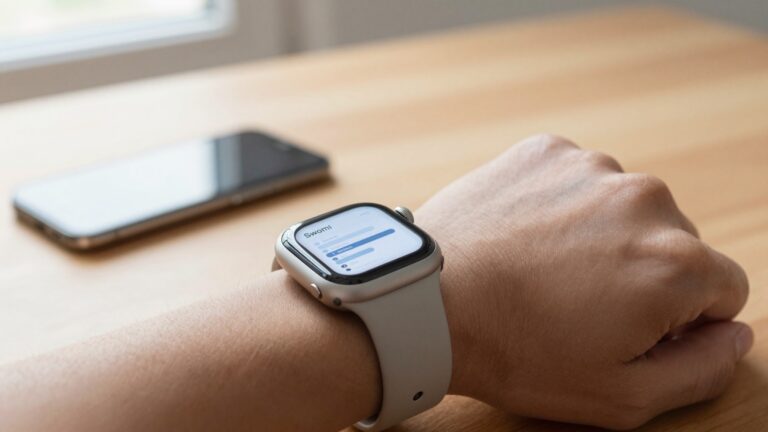
How to free up storage used by PDFs on Apple Watch
To free up storage used by PDFs on an Apple Watch, delete old documents in your reader app, then sync only the…
The WristFile Journal
Notes from the wrist.
Troubleshooting
To free up storage used by PDFs on an Apple Watch, delete old documents in your reader app, then sync only the…
 Guides
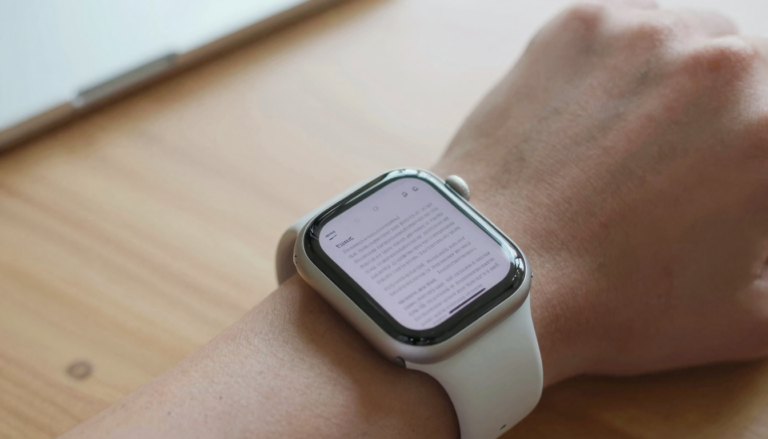
An Apple Watch can hold thousands of document pages, because a typical PDF page uses well under 1 MB while the watch…
 Troubleshooting
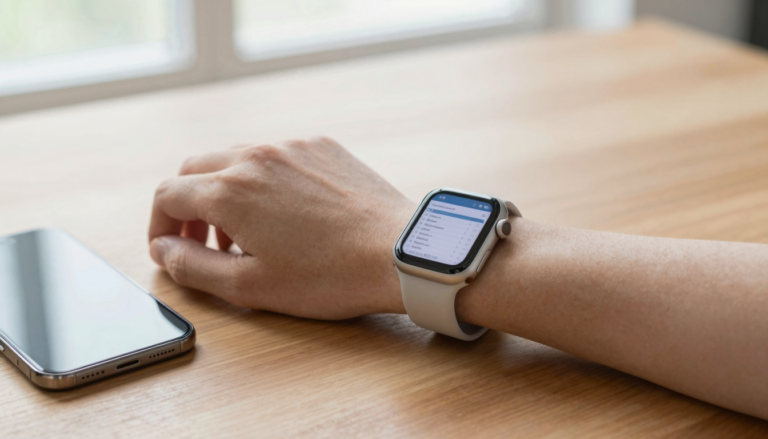
If your Apple Watch PDF app is not showing files, a stalled sync is usually the cause. Reopen the app, confirm the…
 Troubleshooting
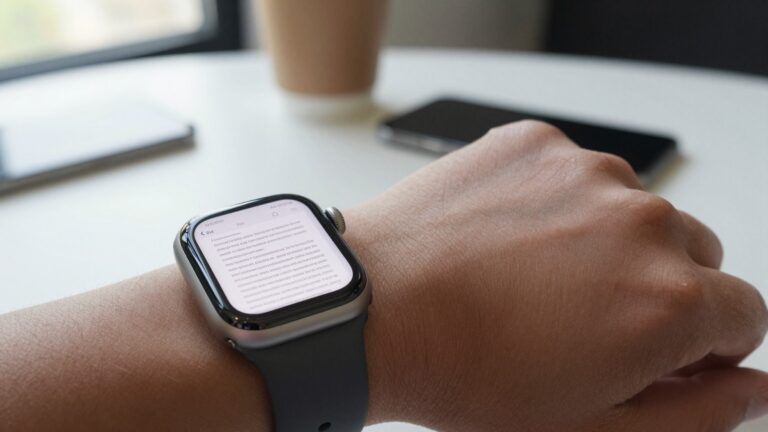
Blurry PDF text on Apple Watch usually clears up when you zoom with the Digital Crown, raise screen brightness, or resend the…
 Troubleshooting
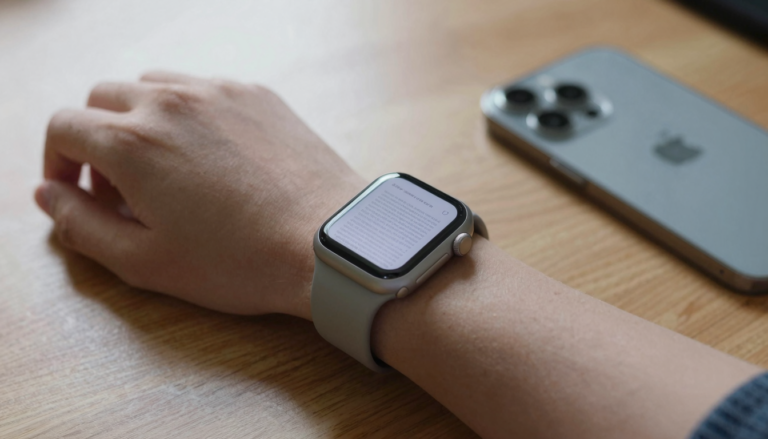
If your Apple Watch PDF viewer keeps crashing, free up watch storage, restart both devices, and re-send the file from your iPhone…
 Troubleshooting
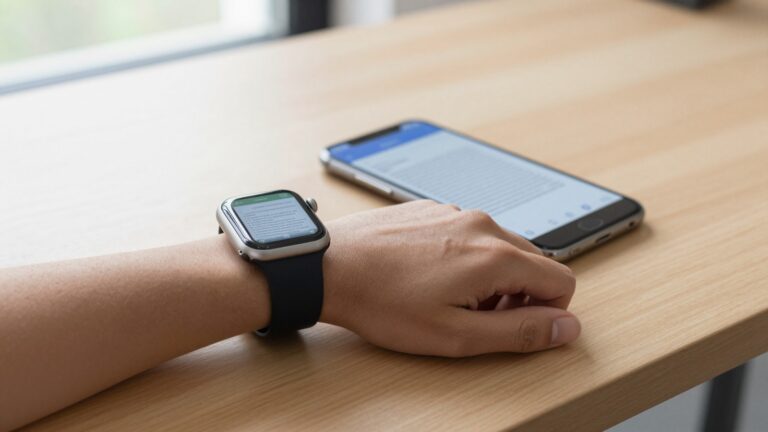
Apple Watch PDF sync is slow mostly because of large files and a busy Bluetooth link. Keep both devices close and charged.…
 Troubleshooting
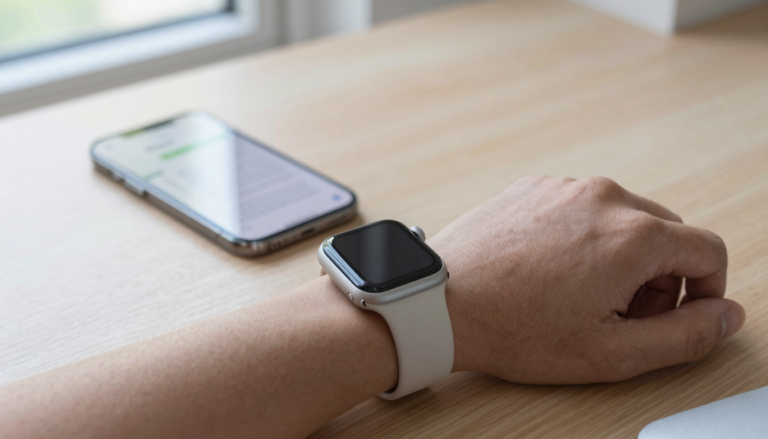
A PDF that will not transfer to your Apple Watch is usually a sync or storage issue, not a broken file. With…
 Guides
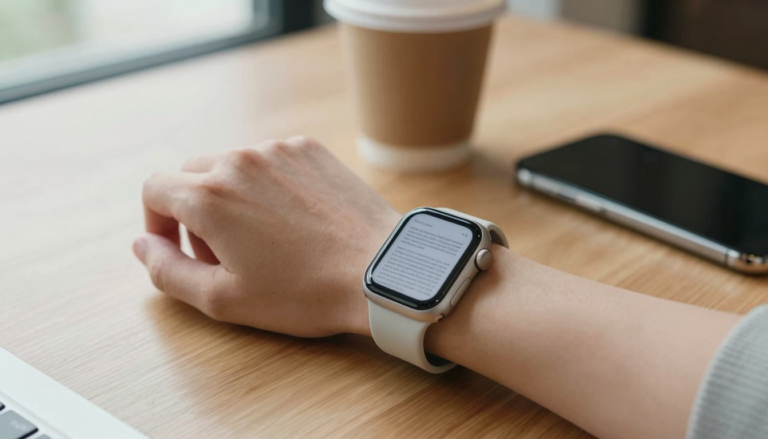
The Apple Watch can open PDF, Word, Excel and text files using a third-party app like WristFile, which sends them from your…
 Guides
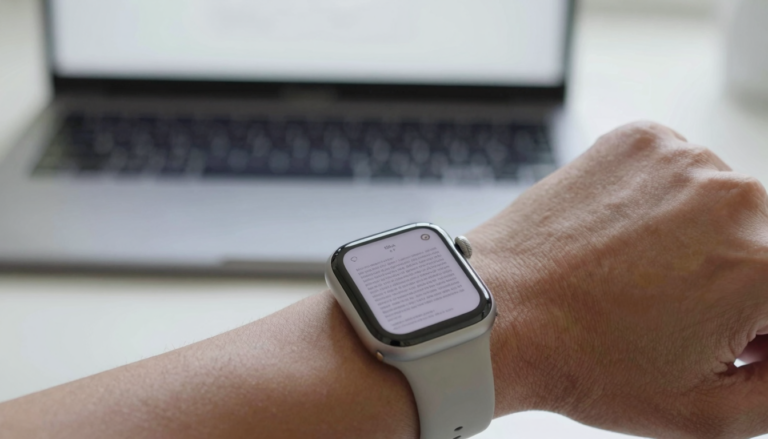
No, the Apple Watch has no built-in PDF viewer. watchOS cannot open PDFs natively, so you need a third-party app like WristFile…
 Guides
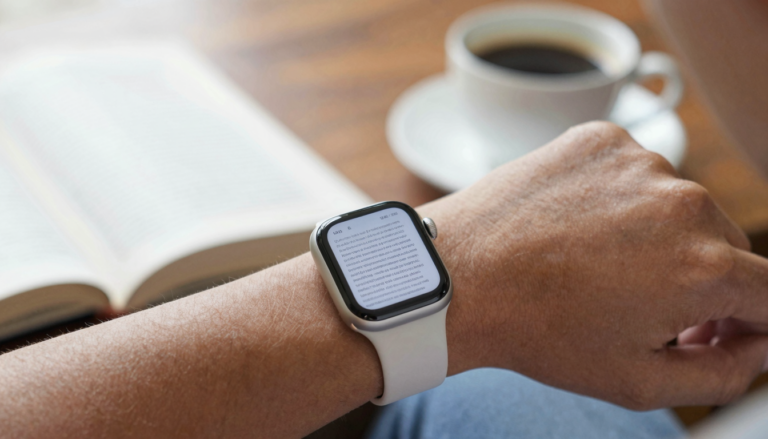
Yes, you can read books on an Apple Watch with an app like WristFile, which sends book files from your iPhone to…
Get WristFile for iPhone and Apple Watch.