 Guides
How to convert a document to PDF for your Apple Watch
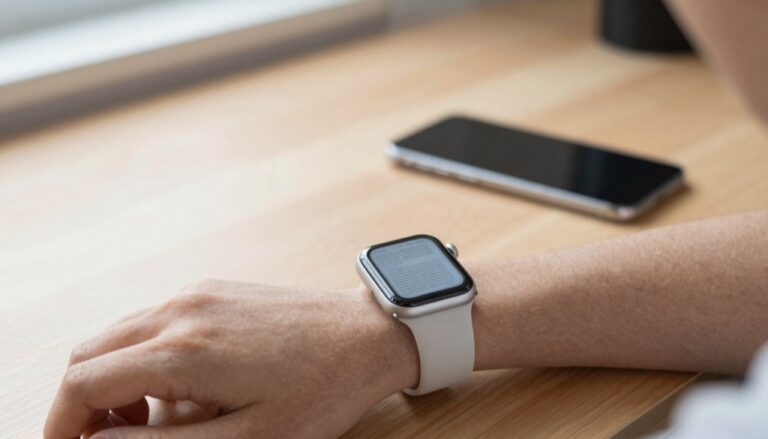
You can convert a document to PDF on your iPhone, then send it to WristFile to read on your Apple Watch offline.…
The WristFile Journal
Notes from the wrist.
Guides
You can convert a document to PDF on your iPhone, then send it to WristFile to read on your Apple Watch offline.…
 Guides
Yes, you can view images and photos as documents on an Apple Watch using WristFile, which sends photos from your iPhone to…
 Guides
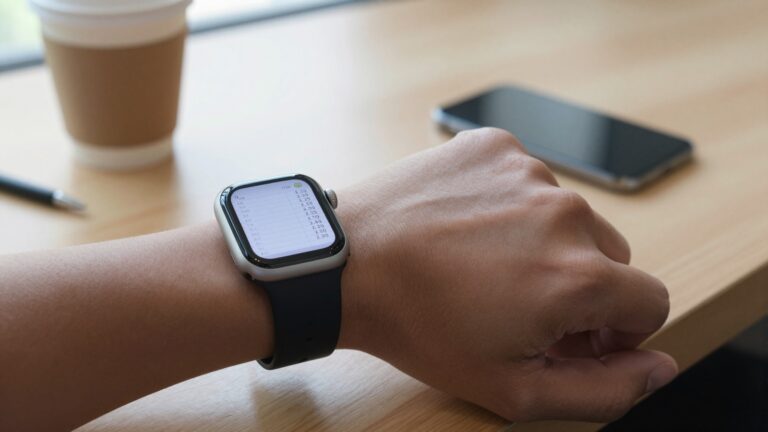
Yes, you can open CSV files on an Apple Watch using WristFile. It sends the spreadsheet from your iPhone to your wrist…
 Guides
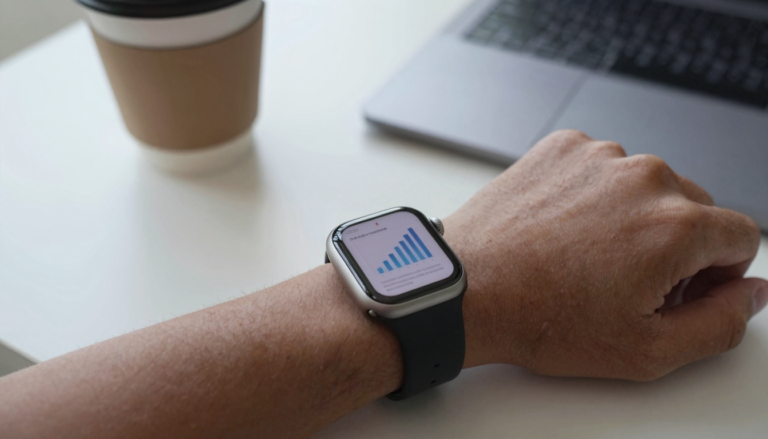
You can view a PowerPoint presentation on an Apple Watch by exporting it to PDF and sending it to WristFile, which reads…
 Guides
Yes, you can read TXT and text files on an Apple Watch with WristFile, which sends plain text files from your iPhone…
 Guides
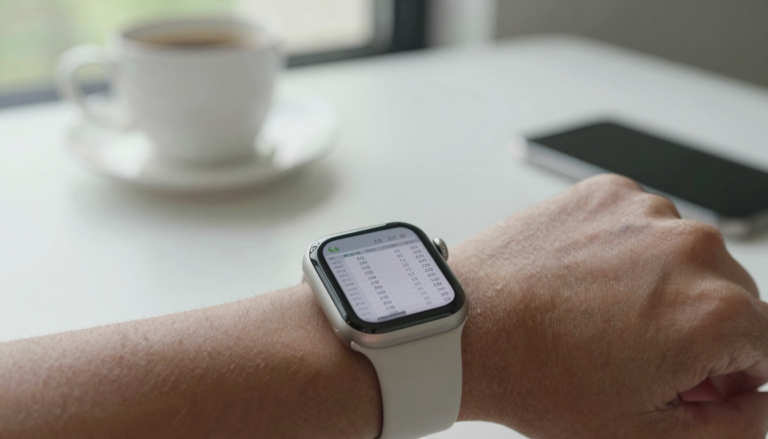
Yes, you can view Excel (XLSX) spreadsheets on an Apple Watch with WristFile, which sends the file from your iPhone to your…
 Guides
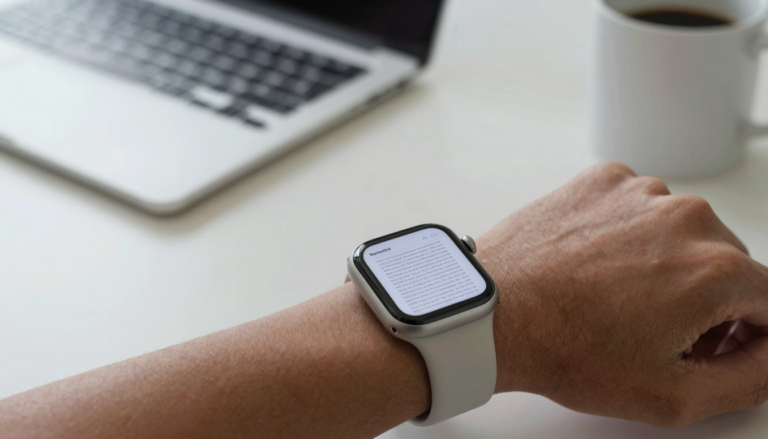
Yes, you can view Word (DOCX) files on an Apple Watch with WristFile, which sends documents from your iPhone to your wrist…
 Guides
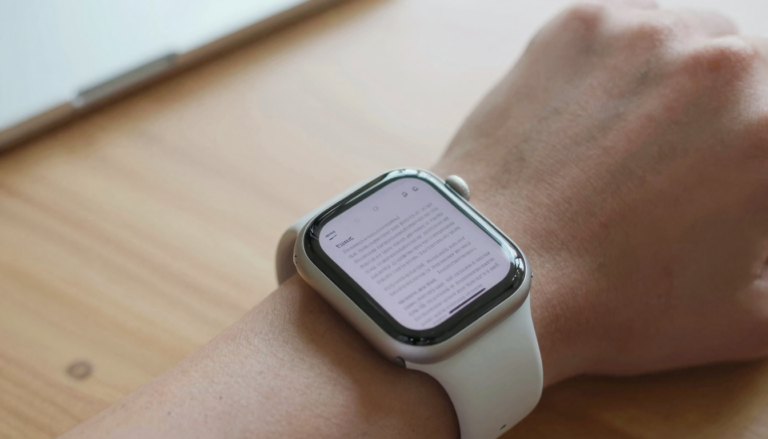
An Apple Watch can hold thousands of document pages, because a typical PDF page uses well under 1 MB while the watch…
 Guides
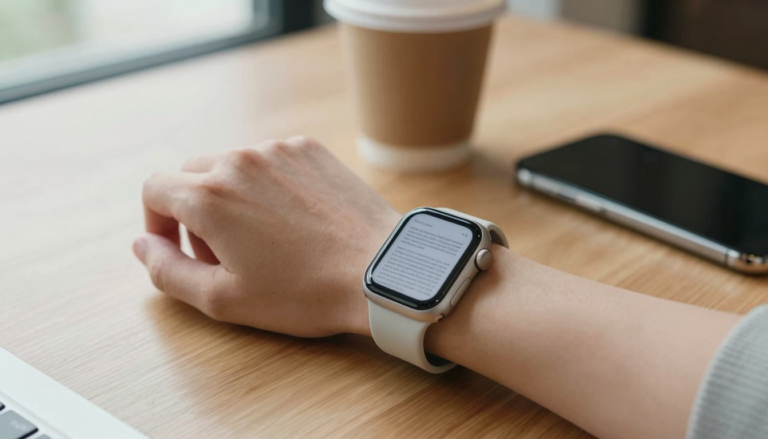
The Apple Watch can open PDF, Word, Excel and text files using a third-party app like WristFile, which sends them from your…
 Guides
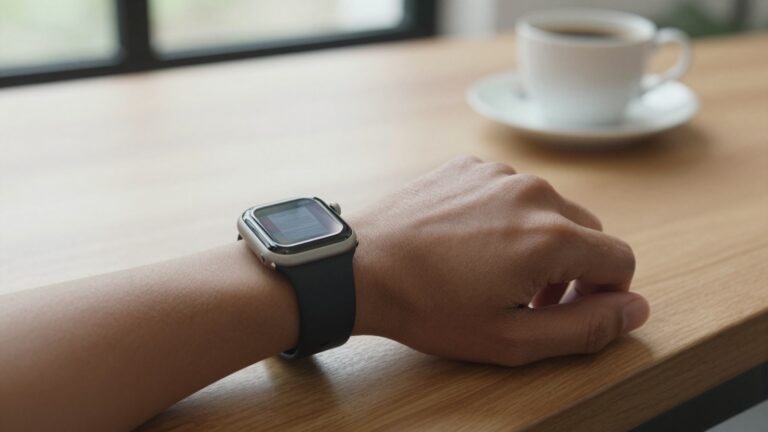
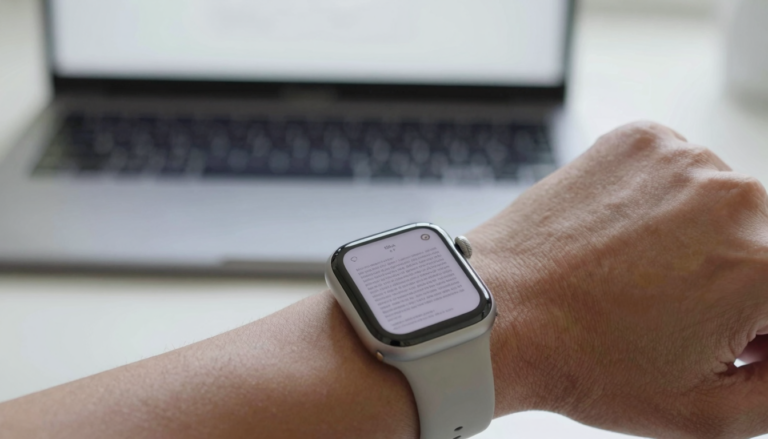
No, the Apple Watch has no built-in PDF viewer. watchOS cannot open PDFs natively, so you need a third-party app like WristFile…
Get WristFile for iPhone and Apple Watch.