 Guides
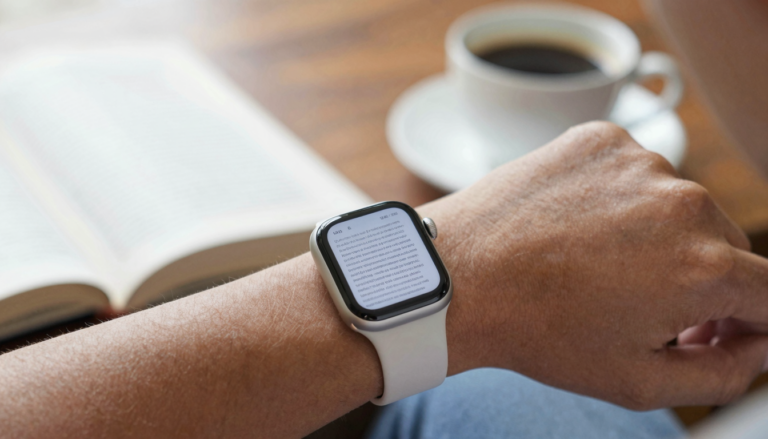
Can you read books on an Apple Watch? Yes, here is how
Yes, you can read books on an Apple Watch with an app like WristFile, which sends book files from your iPhone to…
The WristFile Journal
Notes from the wrist.
Guides
Yes, you can read books on an Apple Watch with an app like WristFile, which sends book files from your iPhone to…
 Guides
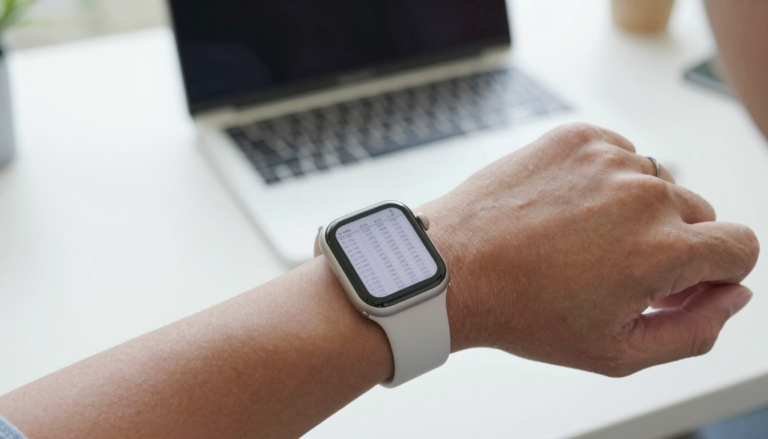
Yes, an Apple Watch can open Excel spreadsheets with an app like WristFile. It sends XLSX files from your iPhone to your…
 Guides
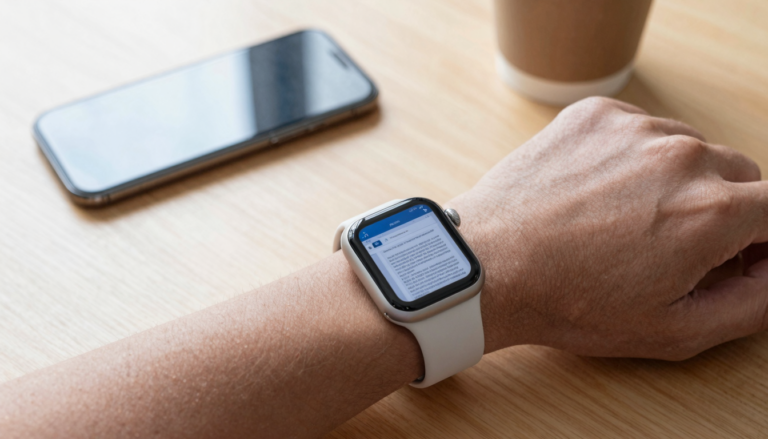
Yes, an Apple Watch can open Word documents with a third-party app like WristFile, which sends DOCX files from your iPhone to…
 Guides
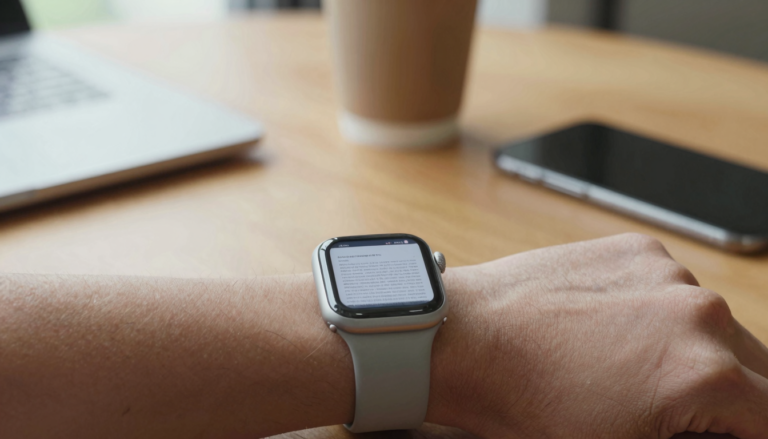
Yes, you can view PDFs on an Apple Watch with a third-party app like WristFile, which sends files from your iPhone to…
 Guides
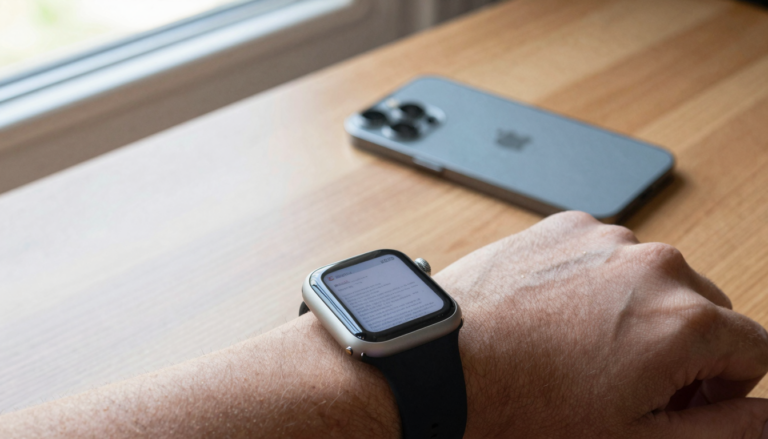
Yes, you can delete and manage documents on your Apple Watch using WristFile, which lets you remove files from your wrist and…
 Guides
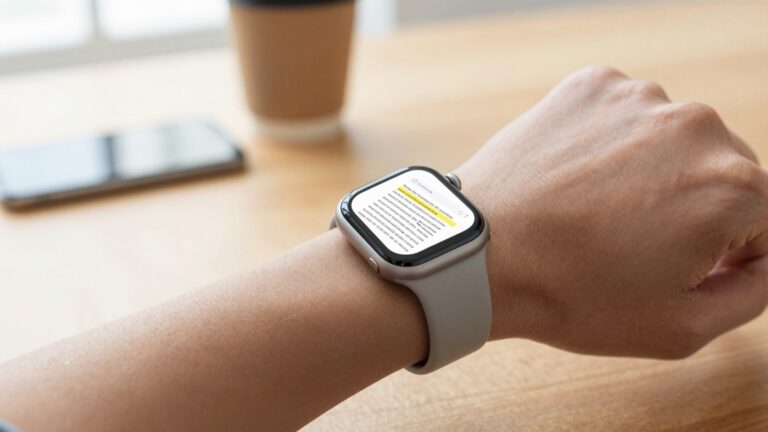
Yes, you can search for text inside a PDF on Apple Watch using a third-party app like WristFile, which adds a tap-to-search…
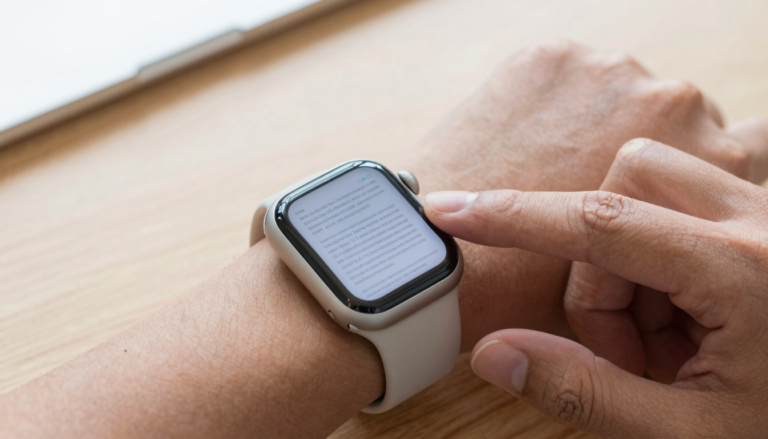 Guides
You can jump between PDF pages on Apple Watch by turning the Digital Crown or tapping page controls in WristFile, which keeps…
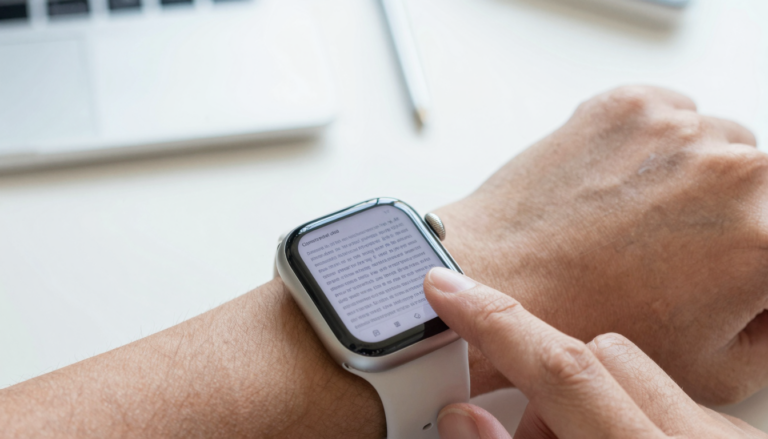 Guides
To zoom in on a PDF on Apple Watch, rotate the Digital Crown up to magnify the page and turn it down…
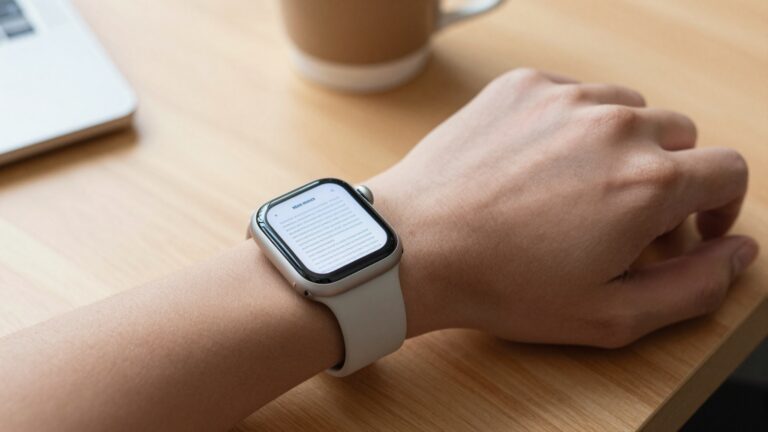 Guides
Yes, you can save PDFs to an Apple Watch for offline reading with WristFile, which sends files from your iPhone to your…
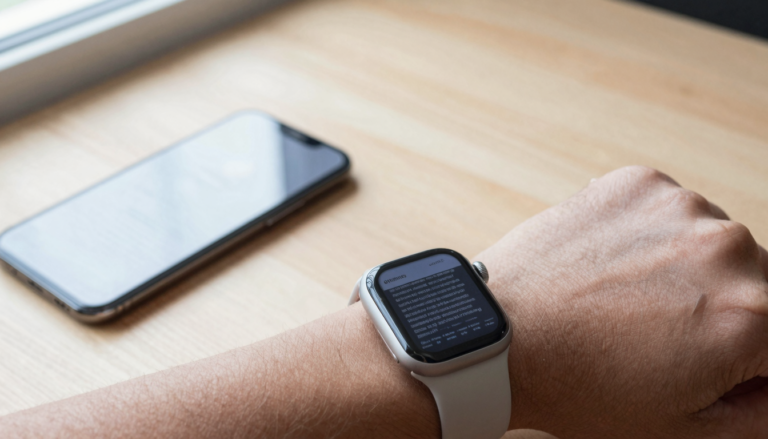 Guides
You sync PDF files to your Apple Watch with WristFile, which pushes documents from your iPhone to your wrist. Reading then works…
Get WristFile for iPhone and Apple Watch.